
ENROLL NOW
  • Home
  • About Us
    • History
    • Principal's welcome message
  • List of Teachers
  • Profile
    • Vision & Mission
    • Organizational Structure
      • Teachers
      • Student Council (OSIS)
    • Management & Staff
    • Facilities
    • Academic Calendar
    • School Information
      • School Profile
      • OFFICIAL LOGO
      • School Anthem and March
      • School Uniform Guidelines
  • Information
    • BPI's Info
  • Gallery
    • Photos
      • SNBP & SNBT
        • 2025
        • 2024
        • 2022
        • 2021
        • 2020
        • 2019
    • Videos
  • Agenda
  • SPMB
    • Poster
    • LMS Guide
    • Online SPMB Registration
    • Check Admission Status
  • E-Learning
    • LMS BPI
    • SIMS BPI
    • EC-Learning
  • Visitor Book
    SMA BPI 1 BANDUNG SMA BPI 1 Bandung
    • Home
    • About Us
      • History
      • Principal's welcome message
    • List of Teachers
    • Profile
      • Vision & Mission
      • Organizational Structure
        • Teachers
        • Student Council (OSIS)
      • Management & Staff
      • Facilities
      • Academic Calendar
      • School Information
        • School Profile
        • OFFICIAL LOGO
        • School Anthem and March
        • School Uniform Guidelines
    • Information
      • BPI's Info
    • Gallery
      • Photos
        • SNBP & SNBT
          • 2025
          • 2024
          • 2022
          • 2021
          • 2020
          • 2019
      • Videos
    • Agenda
    • SPMB
      • Poster
      • LMS Guide
      • Online SPMB Registration
      • Check Admission Status
    • E-Learning
      • LMS BPI
      • SIMS BPI
      • EC-Learning
    • Visitor Book

    LMS Guide

    HOW TO USE THE LMS AT SMA BPI 1 BANDUNG

    For iPhone Users

    1. Make sure your laptop, computer, or smartphone is connected to the internet.
    2. Open a browser (Google Chrome is recommended).
    3. Enter the web address: http://101.128.68.78:8810/exam
    4. For smartphone users, it is mandatory to use Google Chrome
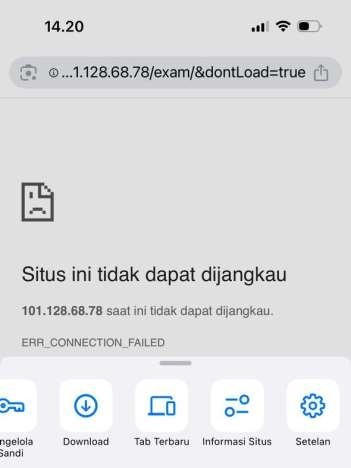
     

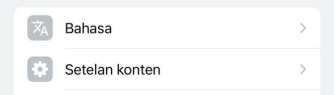
    1. If the screen appears as shown above, tap the three dots at the bottom left, then select Settings
    2. Choose Content Settings


    1. Then the screen will appear as shown below:
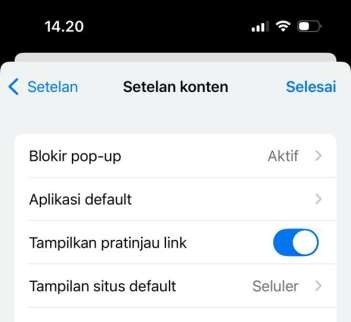
    1. Select Default Site View
    2. then choose Desktop Site
    3. The screen will then appear as shown below:
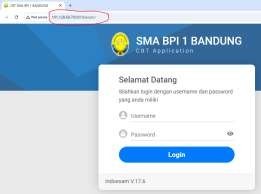


    1. Enter the User ID and Password provided by the committee
    2. then click the Login button


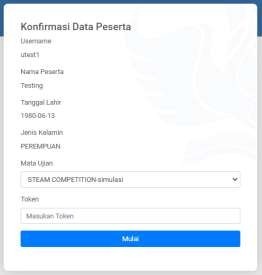
    1. Select the Subject
    2. then enter the token provided by the committee: PEMETAANBPI1
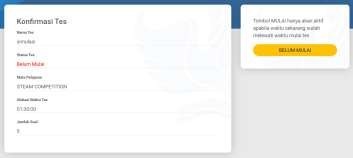


    1. Click the "Start" Button


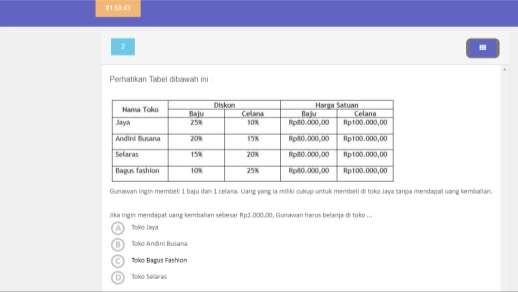
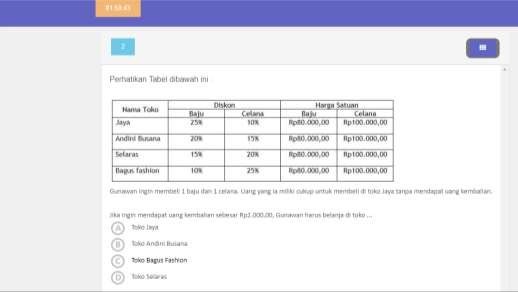
    1. The square button in the top-right corner is used to check the total number of questions and see which questions have already been answered.
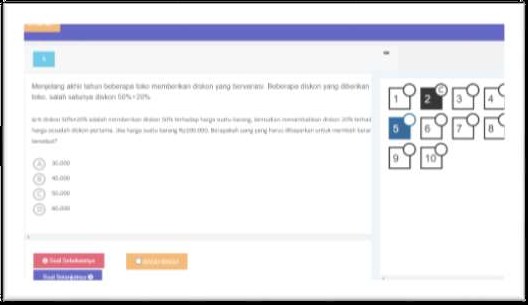


    1. To submit or finish, please save your answers on the last question number and click the “FINISH” button.
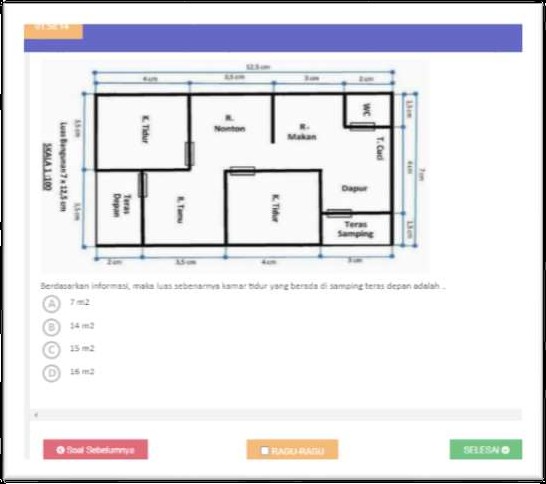


    1. You’re done!


    Pengguna Android

    1. Make sure your laptop, computer, or smartphone is connected to the internet.
    2. Open a browser (Google Chrome is recommended).
    3. Enter the web address: http://101.128.68.78:8810/exam
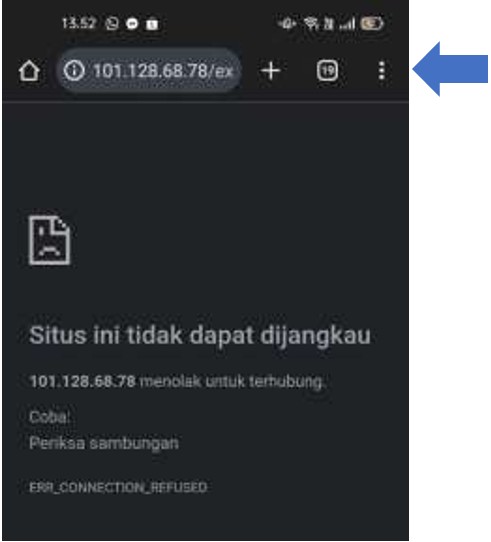
    4. For smartphone users, it is mandatory to use Google Chrome

    5.If the screen appears as shown above, tap the three dots at the bottom left
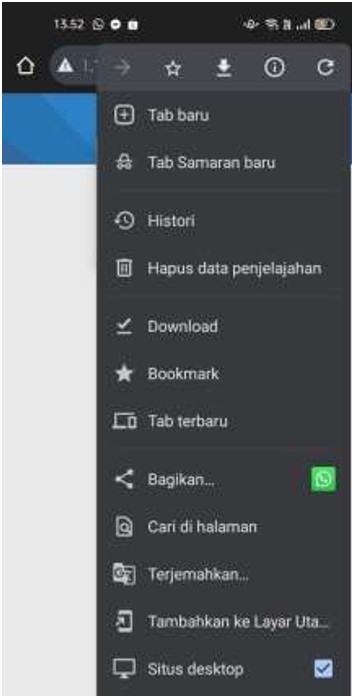
     

    1. then choose Desktop Site.
    2. The screen will then appear as shown below:
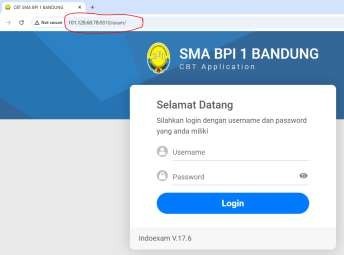
    1. Enter the User ID and Password provided by the committee
    2. then click the Login button


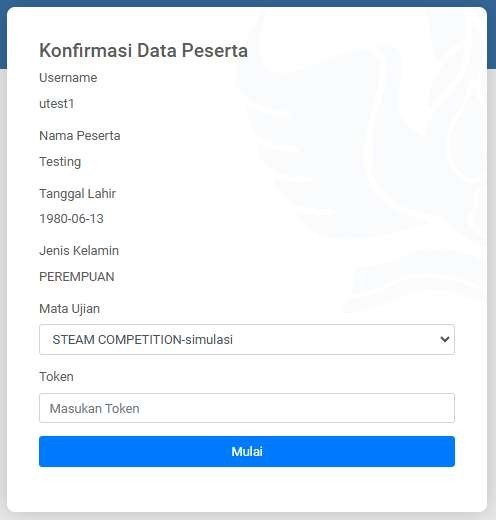
    1. Select the Subject
    2. then enter the token provided by the committee: PEMETAANBPI1
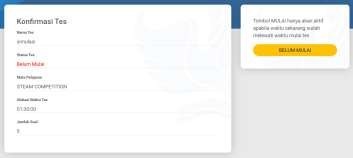
     

    1. Click the “Start” button


    1. The square button in the top-right corner is used to check the total number of questions and see which questions have already been answered.
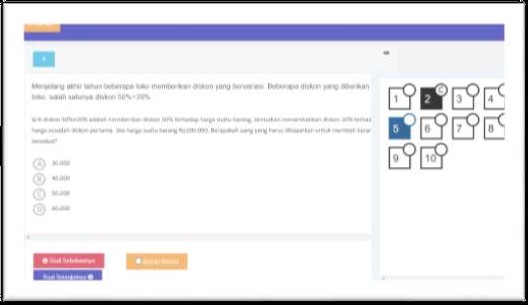
     

    1. To submit or finish, please save your answers on the last question number and click the “FINISH” button.
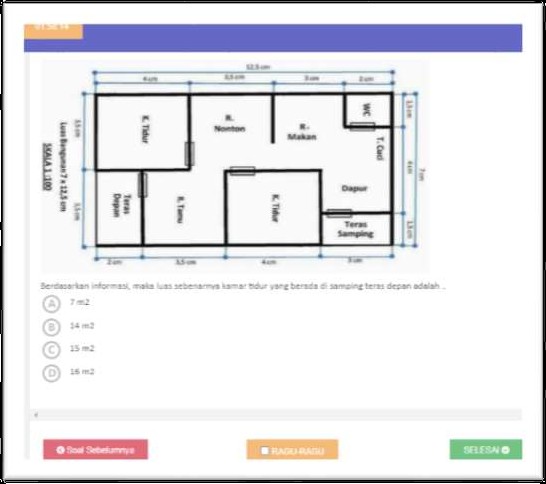
     

    1. You’re done!


    Thank You

    SMA BPI 1 BANDUNG SMA BPI 1 Bandung
    Jl. Burangrang No.8, Burangrang, Lengkong, Kota Bandung, Jawa Barat 40262
    022-7305735
    082219941615
    smasbpi1bandung@gmail.com
    main information
    • Sekolah BPI
    • LMS BPI
    • SIMS BPI
    popular links
    • Sekolah BPI
    • LMS BPI
    • SIMS BPI
    information for
    • Calon Siswa BPI 1
    • Siswa/i SMA BPI 1
    • Guru & Pegawai BPI
    • Masyarakat Umum
    ©2026 SMA BPI 1 Bandung All right reserved